Join pre-scheduled meetings with Teams
If your meeting includes a Teams meeting, you can join through the room console.
Tip
The room camera turns on automatically when you join a meeting. Make sure all attendees in the room are ready before joining.
To join pre-scheduled meetings with Teams:
On the room console, tap Join next to the meeting.
To share content from your laptop:
In the Microsoft Teams calendar on your laptop, click Join for the meeting.
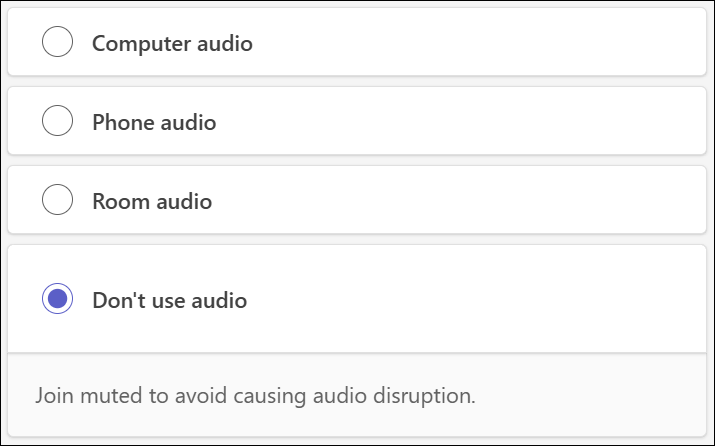
Select Don’t use Audio before joining to prevent echoing.
Click the Share content button (
 ) in Teams.
To stop sharing content, click the Stop sharing (
 ) button in Teams.